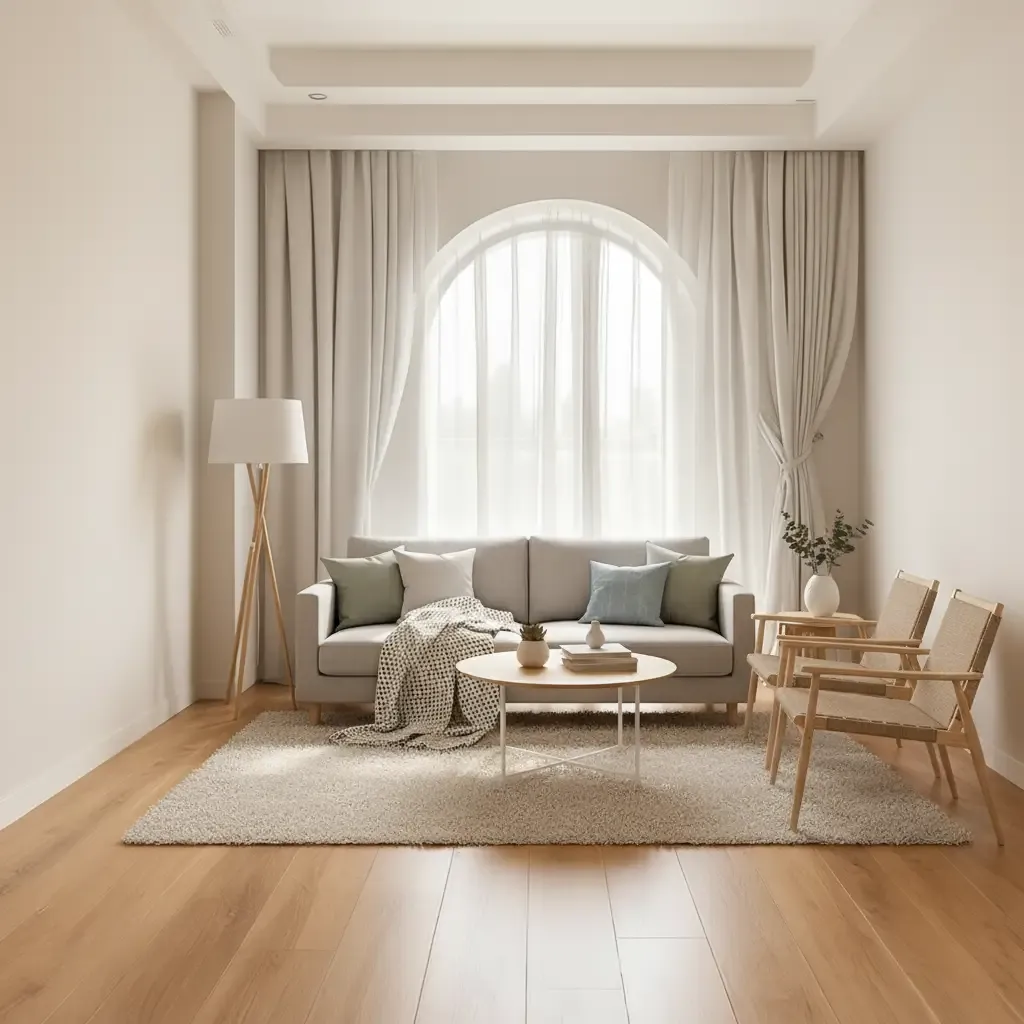

Interior decisions do not always happen at a desk. A designer may be standing in a half-finished apartment when a client asks whether the wall should stay dark. A homeowner may be in a furniture showroom trying to remember how much visual weight the living room can take. That is why the idea of an AI interior design app is appealing: it suggests that a rough design question can be explored quickly, without opening a full production setup or waiting until everyone is back in the studio.
The useful part of that promise is immediacy, not magic. A fast visual tool can help someone compare directions, but it cannot measure the room for them, check a doorway clearance, or know whether the sofa they are looking at will feel oversized once it arrives. The best use is often a narrow one: capture the question while it is fresh, make a visual test, and then return to the measured information before anything is ordered or built.
Start With the Decision in Front of You
On-site conversations tend to be specific. Should the kitchen island stay pale, or would a darker finish anchor the room? Would full-height curtains make the ceiling feel taller? Does the existing floor fight with the new cabinetry? These are the kinds of questions a quick visual can help with. The trick is to resist turning every moment into a complete redesign. Solve the immediate uncertainty first, then move on.
An AI room planner can be useful when the question is about how a space might feel, but the term covers very different types of software. Some tools focus on measured layouts and furniture placement. Others focus on visual redesign from a photograph. Those are not the same job. Before relying on one, a designer should know whether the output is intended for spatial planning, aesthetic exploration, or simply a rough preview.
Photos Are Convenient, but They Are Not Floor Plans
A photograph is a fast starting point because it carries the room’s existing character with it. Windows, flooring, ceiling height, and awkward corners are already visible. That makes photo-based experimentation useful for color, material, furnishing, and style discussions. It can be surprisingly effective for deciding whether a room wants more contrast or whether a new finish is too busy against what is already there.
What the photo does not reliably provide is accurate scale. Wide-angle phone cameras stretch corners and compress distances. A chair can look as though it fits comfortably beside a table when the real clearance is poor. For anything involving dimensions, a tape measure, survey, or proper model still matters. The visual is a conversation aid, not a substitute for measured information.
Keep the Mobile Moment Rough
There is a temptation to make every early image look presentation-ready. That can actually slow the design process down. If the team is still deciding between a warm white and a clay-toned wall, there is no reason to perfect accessories, styling, and artwork. A deliberately rough study keeps attention on the choice that matters. It also makes it easier for clients to understand that they are looking at a test, not a promise.
Designers often get better feedback when they say exactly what the image is for: “Ignore the furniture; we are only looking at the ceiling color.” That one sentence can prevent a meeting from drifting into comments about cushions, plants, or decorative objects that were never part of the decision. Fast tools are most efficient when the scope of the image is as clear as the scope of the question.
A Browser-Based Workflow Can Be Enough
Not every useful design tool needs to live as a native phone application. In practice, many professionals move between laptops, tablets, and shared studio machines. A browser-based platform can be easier to fit into that mix, especially when the job involves uploading a sketch, photograph, moodboard, or model export and continuing the work elsewhere. What matters is how easily the visual can enter and leave the broader project workflow.
dsgnr, for example, is positioned around AI-assisted visualization and editing rather than technical space planning. That distinction is helpful. A designer can use it to explore room treatments or visual directions while still keeping dimensioned drawings, specifications, and procurement in the tools meant for those tasks. Trying to force one piece of software to handle everything usually creates more friction than it removes.
Know When to Stop Experimenting
Quick design tools can produce a new option in seconds, which sounds efficient until the team has generated forty versions of the same room. Choice has a cost. At some point, the project needs a rule for stopping: perhaps three viable directions, one round of client feedback, then a decision. Without that boundary, visual exploration can quietly become a form of procrastination dressed up as productivity.
A good checkpoint is to ask whether the latest image changes the decision. If it does not, it probably does not need to exist. The same applies when working with clients. They rarely need to see every experiment the designer considered. Showing a curated set of options keeps the process confident while still giving the client meaningful choice.
Keep a Small Record of What Was Tested
Quick experiments are easy to forget because they often happen between larger tasks. A designer tries a darker wall on site, the client prefers it, and two weeks later nobody remembers which image prompted the decision. Saving a small record of those tests is worth the effort. It can be as simple as a dated folder with the chosen image and one sentence explaining what was agreed. The point is not paperwork; it is avoiding the same conversation twice.
That record also helps when another team member joins the project. They can see that the pale flooring was rejected because it looked too cold with the existing stone, or that the client approved a warmer lighting direction during a showroom visit. Fast visual tools become more useful when their outputs feed the project memory instead of disappearing into a camera roll or chat thread.
Conclusion
Fast digital room tools are most useful in the gaps between larger design tasks. They can help capture an on-site question, test a finish while the client is thinking about it, or give a quick visual reference before the team returns to detailed work. That immediacy is valuable, particularly on projects where decisions are spread across meetings, showrooms, site visits, and remote conversations.
The limitation is just as important. A quick visual should not be mistaken for a measured plan, a specification, or a final technical solution. Keep the task narrow, label the image for what it is, and verify important decisions against real dimensions and professional documentation. Used with that discipline, lightweight AI tools can make the design process more responsive without making it careless.